Finnoto Help Center
Answers for the people who close the books.
Step-by-step guides with screenshots and short videos for every Finnoto workflow — expenses, procurement, payments, receivables — written for finance teams.
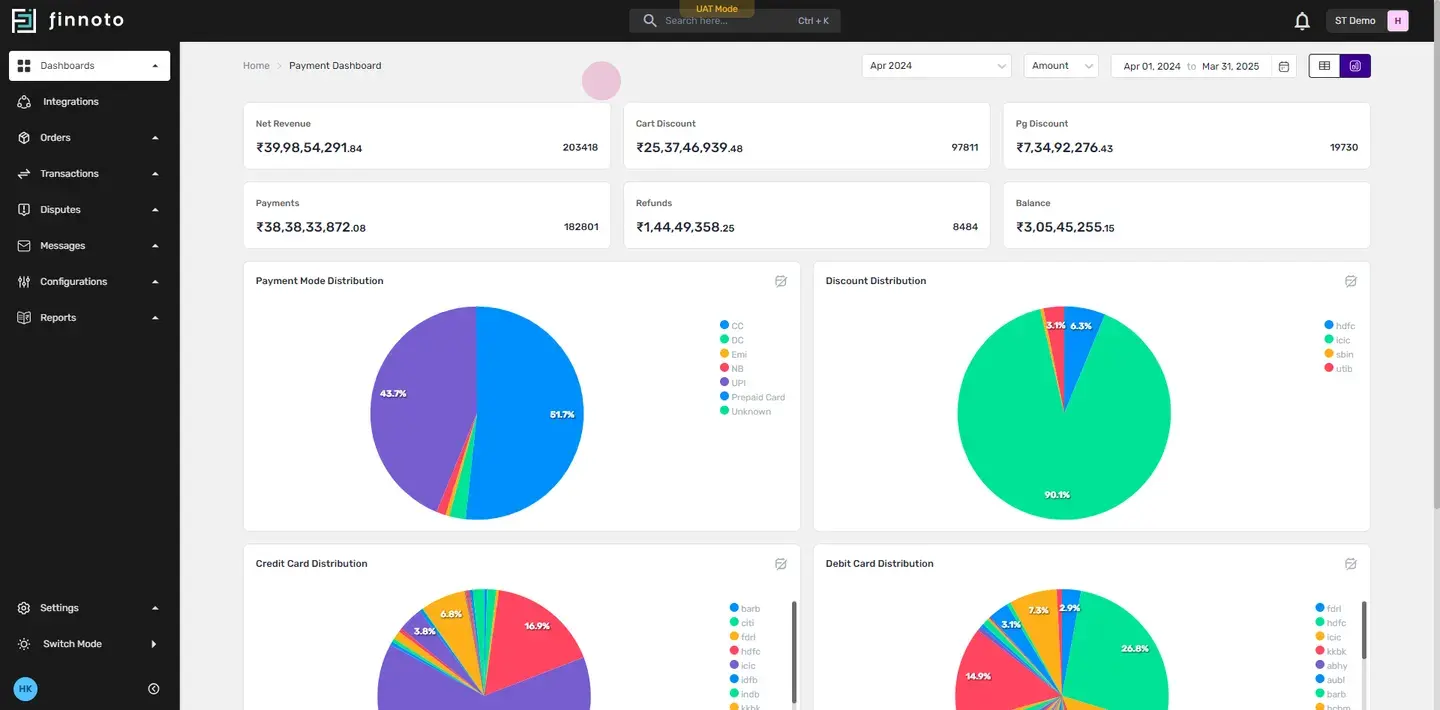
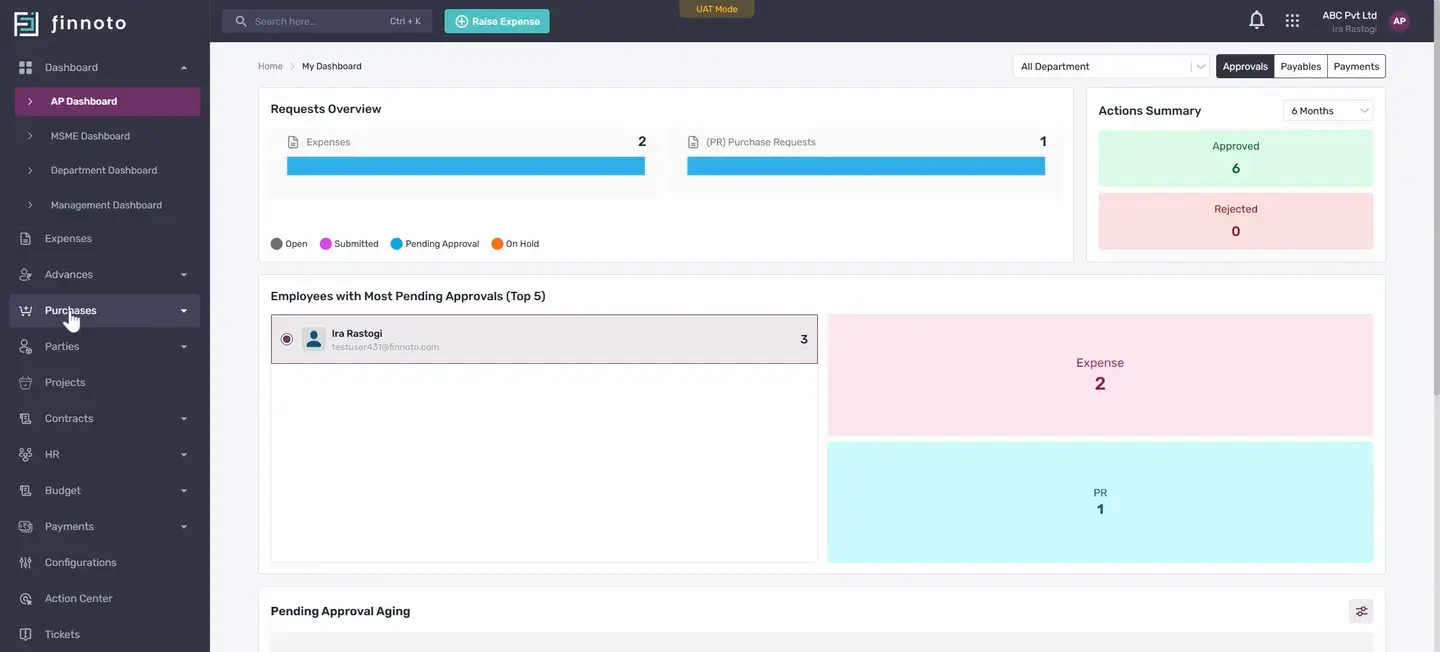
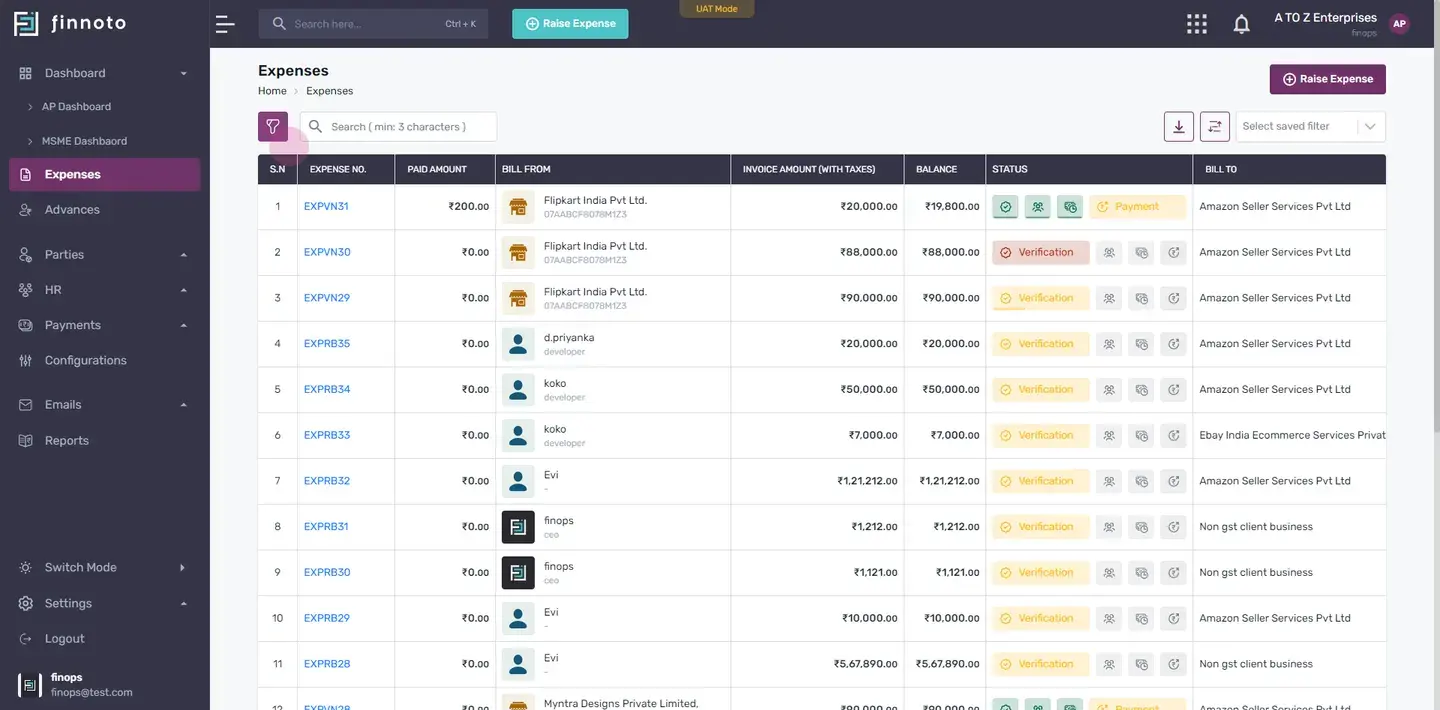
Browse by product
- Getting startedYour first week: the portal tour and the order to set things up in.
- ExpensesReimbursements, vendor expenses, card transactions and the approval flow.
- ProcurementPurchase requests and orders, GRN/SRN, and getting vendors onboarded.
- PaymentsPayout files for your bank, reconciliation, and foreign-currency payments.
- ReceivablesThe AR portal: customers, invoices and collections.
- Vendor portalFor your suppliers: raising and tracking invoices against your POs.
- PlatformRoles, organisation setup, saved filters and the Chrome extension.
- AI assistantsUse these docs from Claude, ChatGPT or your own agent.
Start here
The guides most people need in their first week.
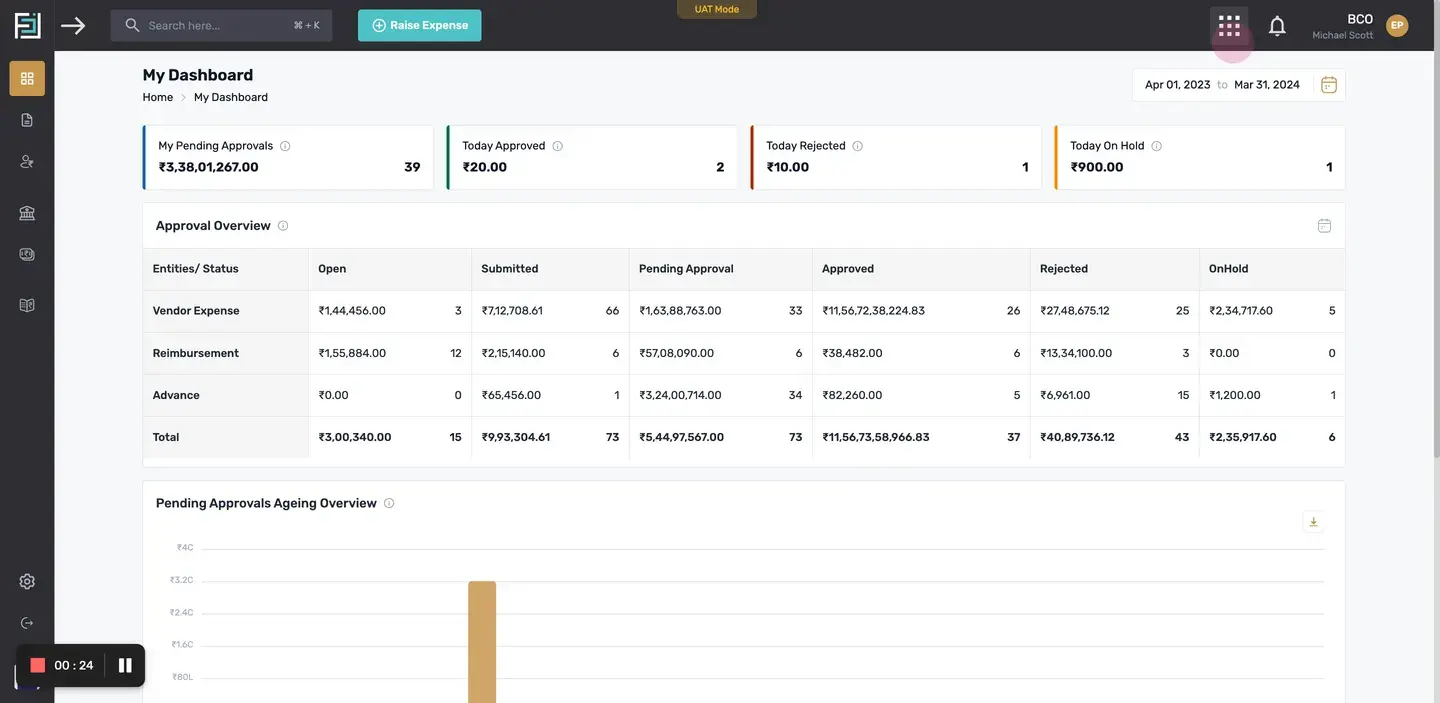 Finnoto basicsA tour of the Finnoto portal: modules, navigation and the screens you will use every day.
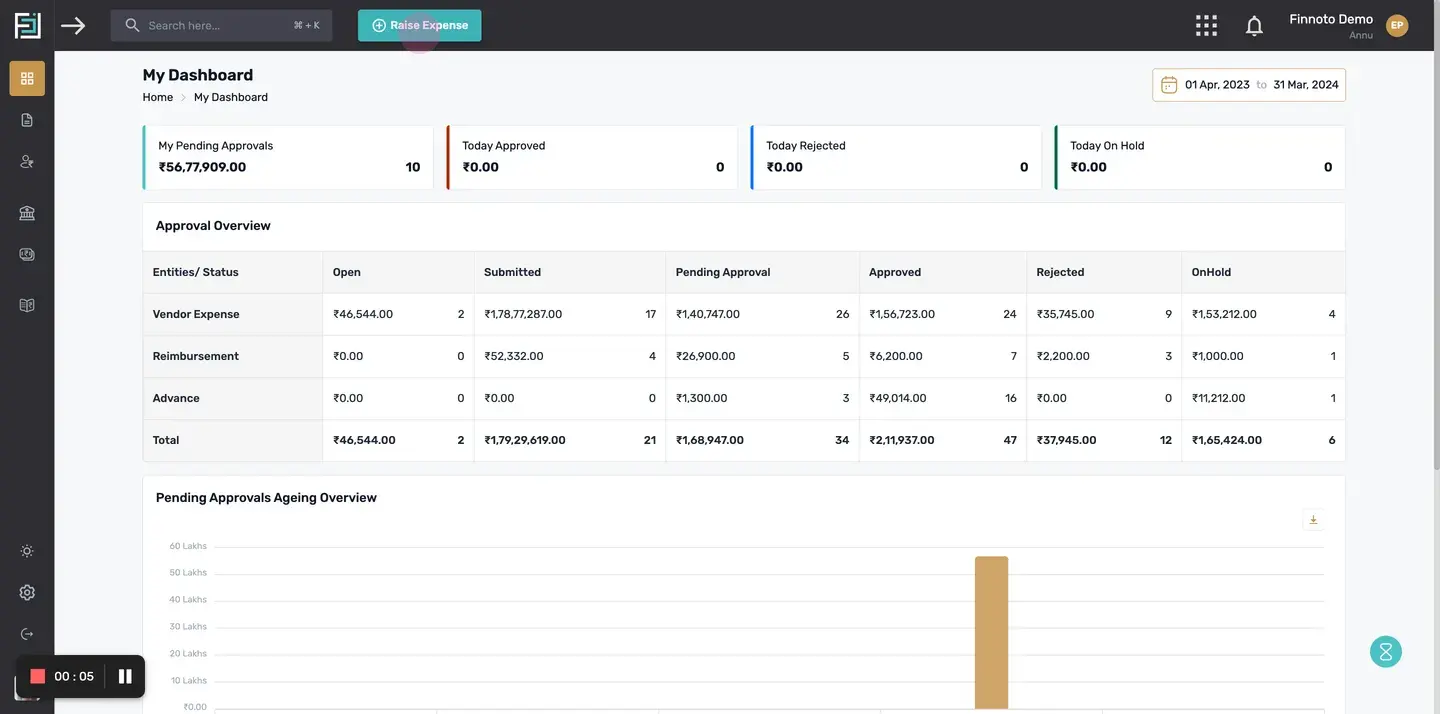 Raise a reimbursementClaim money you spent on the company's behalf from the employee portal.
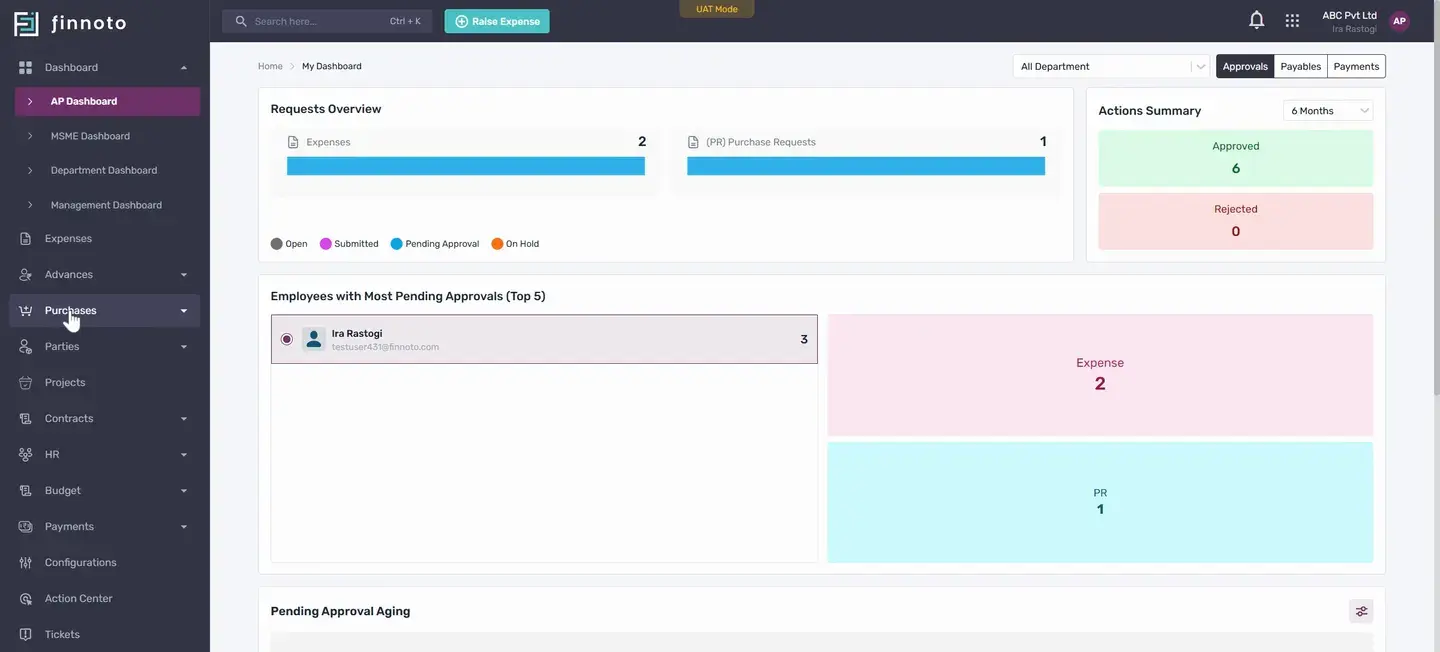 Create a purchase request and generate a purchase orderRaise a purchase requisition, get it approved, and turn it into a purchase order for the vendor.
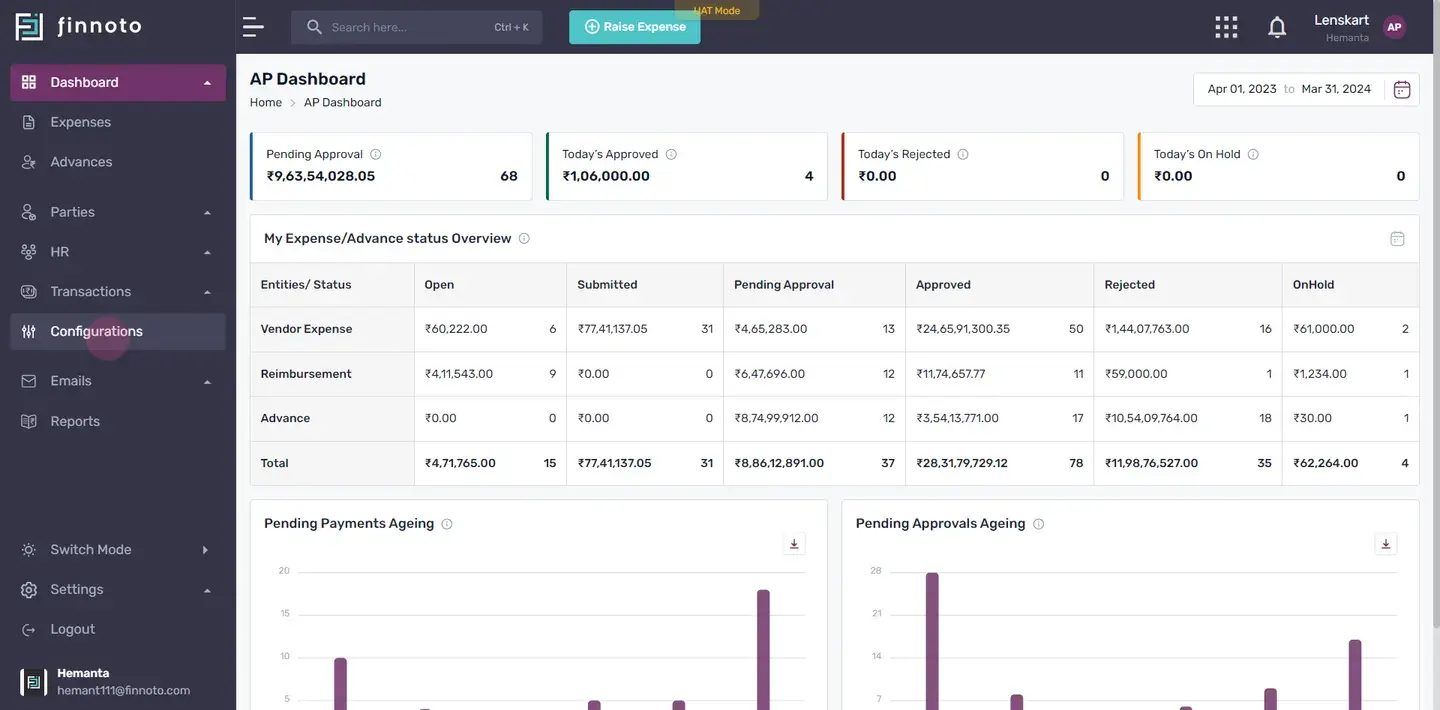 Generate a payoutCreate a payout file for your bank from the payments that are due, download it, and cancel one if needed.
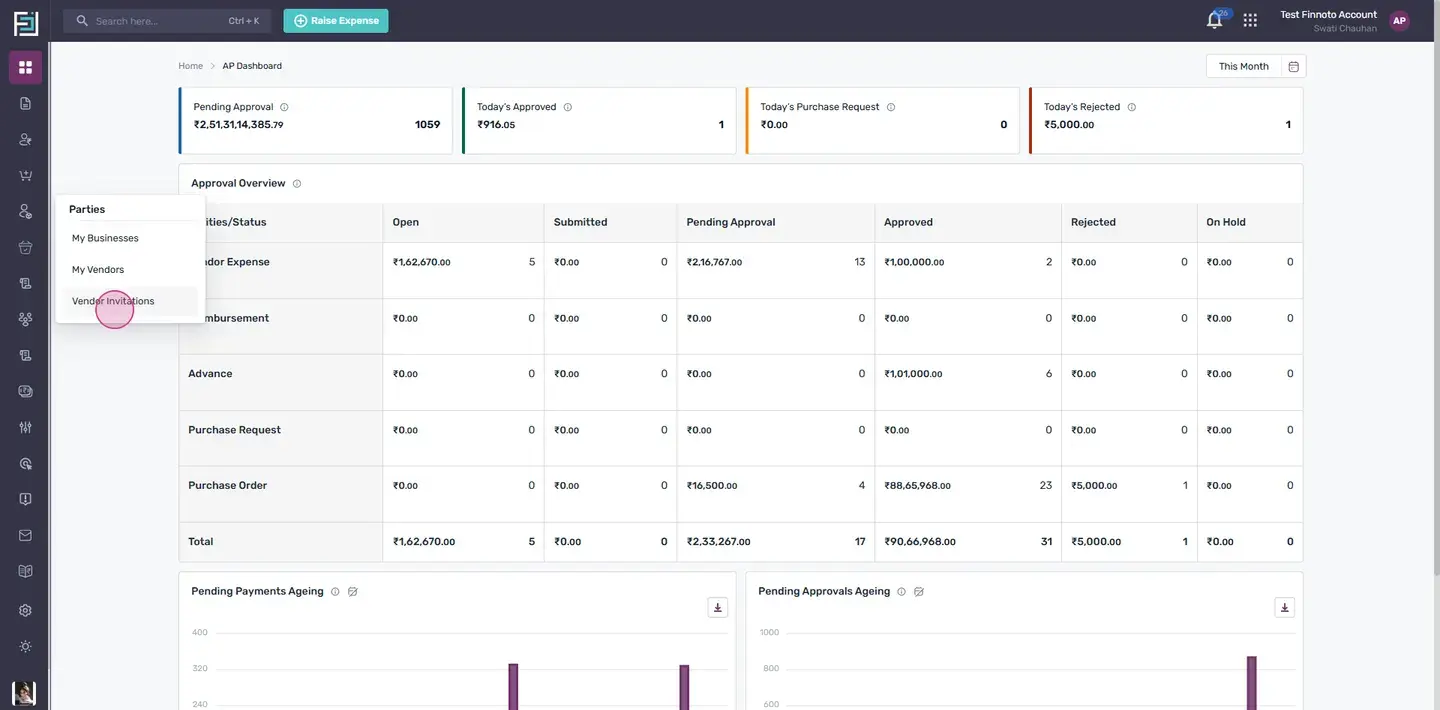 Vendor onboarding and Client ConnectHow a vendor is invited, completes onboarding, and connects to your business through Client Connect.
 What an approver can do with an expenseThe actions available to any approver in the workflow when an expense reaches them.
Still stuck?
Write to support@finnoto.com or use the chat inside the app. Include the page URL and what you expected to happen.
Using an AI assistant?
Point it at /llms.txt, add .md to any page URL, or install the Finnoto docs MCP server.